

Learn how to build your first sales funnel with Clickfunnels step-by-step – even if you’re a complete beginner.

Affiliate Disclosure
This article may contain affiliate links. If you purchase through these links, we may earn a commission at no additional cost to you.
ClickFunnels Tutorial (2026): Step-by-Step Guide for Beginners
You don’t need coding experience or advanced marketing knowledge to get started.
With the right steps, you can build your first funnel faster than you might expect.
In this tutorial, I’ll walk you through the exact process from setup to launch.
Introduction
If you’re new to ClickFunnels, the platform can feel overwhelming at first.
There are funnels, pages, automations, integrations, and settings — and it’s not always obvious where to start.
The good news is:
You don’t need technical skills to build your first funnel.
ClickFunnels was designed to help beginners create sales funnels, landing pages, and automated workflows without coding.
In this tutorial, you’ll learn:
- how ClickFunnels works
- how to build your first funnel
- how to create landing pages
- how to connect payments
- how to launch your funnel
This step-by-step guide focuses on the practical workflow — not theory.
Personal Insight
From a practical perspective, the first funnel usually takes longer than expected — not because the tool is complicated, but because you’re deciding what your offer and messaging should be.
Once the first funnel is built, creating additional funnels becomes significantly faster.
For beginners, focusing on one simple funnel is usually the best starting point.
What Is ClickFunnels — Quick Explanation
ClickFunnels is a funnel builder.
A funnel is simply a sequence of pages designed to guide visitors toward a specific action.
Examples include:
Signing up
Booking a call
Buying a product
Downloading a guide
Instead of building separate pages manually, ClickFunnels connects everything into a structured flow.
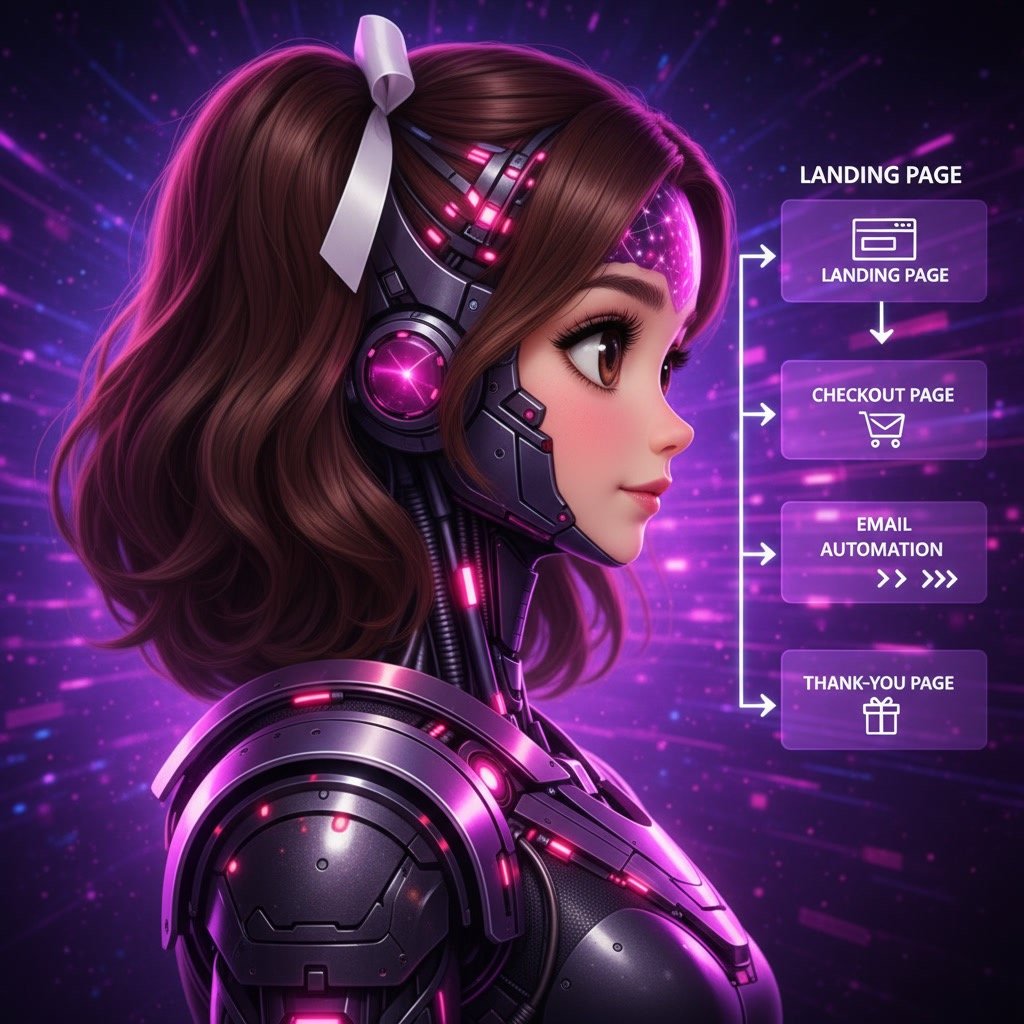
Typical funnel structure:
Landing page
Offer page
Checkout page
Thank-you page
This structure helps convert visitors into leads and customers.
Step 1 — Create Your ClickFunnels Account
The first step is setting up your account.
Basic process:
Sign up
Choose plan
Access dashboard
Once inside the dashboard, you’ll see the main workspace where funnels are created and managed.
Most users can complete this step in a few minutes.
Step 2 — Create Your First Funnel

This is where the real work begins.
In ClickFunnels, everything starts with a funnel.
To create one:
Click „Create Funnel“
Choose funnel goal
Select template
Name your funnel
Common funnel goals:
Lead generation
Product sales
Webinar registration
Appointment booking
Templates make the process faster because the structure is already built.
Step 3 — Customize Your Funnel Pages
After creating the funnel, you can edit each page.
ClickFunnels uses a visual drag-and-drop editor.
You can change:
Text
Images
Buttons
Colors
Layout
No coding is required.
Typical edits include:
Headline
Description
Call-to-action button
Images
Form fields
This flexibility allows you to match your branding and offer.
Step 4 — Add Your Offer
The next step is defining what you’re selling or offering.
Common examples:
Digital product
Online course
Consultation
Membership
Free guide
You will need to configure:
Product name
Price
Payment method
This step connects your funnel to revenue.
Step 5 — Connect Payment Methods
To accept payments, you must connect a payment provider.
Popular options include:
Stripe
PayPal
Once connected, ClickFunnels can process transactions automatically.
This step is essential for sales funnels.
Step 6 — Set Up Email Automation
Automation is one of the most powerful features in ClickFunnels.
You can automatically send emails after a user:
Signs up
Downloads a guide
Makes a purchase
Joins a membership
Typical automation examples:
Welcome email
Follow-up sequence
Reminder email
Upsell message
Automation saves time and improves conversions.
Step 7 — Test Your Funnel
Before launching, always test the funnel.
Testing ensures everything works correctly.
Check:
Forms
Buttons
Payments
Emails
Page loading
This step prevents errors and improves user experience.
Step 8 — Publish Your Funnel
Once testing is complete, you can publish the funnel.
Publishing makes the funnel accessible to visitors.
Typical launch process:
Click publish
Share link
Start traffic
From this point forward, the funnel begins collecting leads or generating sales.
Common Beginner Mistakes
Avoiding common mistakes helps improve results quickly.
Frequent issues include:
Too many pages
Unclear messaging
Slow page loading
Missing testing
No follow-up emails
Keeping the funnel simple usually produces better results.
When To Use ClickFunnels
ClickFunnels works best in specific situations.
Examples include:
Selling digital products
Building email lists
Launching offers
Running marketing campaigns
Automating sales
These scenarios benefit from structured funnels.
You may also interested in:
ClickFunnels Review
ClickFunnels Pricing
ClickFunnels Alternatives
ClickFunnels vs Systeme.io
Is ClickFunnels Worth It
Best Funnel Builders
Final Verdict — ClickFunnels Tutorial
ClickFunnels is designed to simplify funnel creation, even for beginners.
The platform removes technical barriers and allows users to build structured marketing workflows quickly.
The most important step is not perfection.
It is starting.
Your first funnel may not be perfect — but it will teach you how the system works.
From there, improvement becomes much easier.
 SolutionsHub Team