

If ActiveCampaign login not working is the issue you are dealing with, this guide will help you find the cause and get back into your account faster.
Affiliate disclosure: This article may contain affiliate links. If you purchase through these links, we may earn a commission at no additional cost to you.
Introduction
Login problems are frustrating because they stop everything else. You cannot review campaigns, check automations, update contacts, or manage integrations until you can access your account.
The good news is that most ActiveCampaign login issues are caused by a small set of problems. In many cases, the fix is simple, such as resetting a password, clearing browser data, checking the correct account URL, or reviewing two-factor authentication settings.
This article focuses on practical troubleshooting. Instead of guessing, you will work through the most common causes in a clear order so you can restore access with less wasted time.
Personal Insight
In my experience, login issues often look more complicated than they really are. Many users assume the platform is down, but the real problem is usually a saved password, browser extension conflict, incorrect login page, or expired verification step.
The fastest way to solve it is to stay methodical. Small checks in the right order usually beat random trial and error.

What Is This Login Issue Really About?
When users say they cannot log in to ActiveCampaign, that can mean several different things. The login page may not load at all. The page may load, but credentials are rejected. A verification code may never arrive. Or the account may appear to sign in, then send the user back to the login page again.
These are different symptoms, and each points to a different type of problem. Some are account-related, some are browser-related, and some are caused by security settings, device issues, or temporary service disruptions.
Common signs of a login problem
- The password is repeatedly rejected even though it seems correct
- The email address is not recognized
- The login page keeps refreshing or looping
- Two-factor authentication codes do not arrive or do not work
- The browser shows a blank page or loading error
- You are redirected to the wrong account or workspace
- Your session expires immediately after sign-in
Why separating the symptom matters
If the page will not load, the fix is different from a password issue. If the account is locked for security reasons, clearing cookies will not help. Understanding the exact symptom saves time and helps you avoid steps that do not apply.
Key Features That Affect Account Access
Several built-in account and security features can affect whether you can sign in smoothly. Knowing how they work helps you troubleshoot with more confidence.
Email and password authentication
The basic login method depends on entering the correct email address and password for the right ActiveCampaign account. If you manage multiple accounts or client workspaces, it is easy to mix credentials.
Two-factor authentication
If two-factor authentication is enabled, you may need a one-time code from email, SMS, or an authenticator app. Problems with time sync, delivery delays, or device changes can interrupt this process.
Browser session management
Cookies and cached site data help maintain your session. If these become corrupted or outdated, the login page may loop, fail to load properly, or sign you out repeatedly.
Security protections
Repeated failed attempts may trigger security restrictions. This is helpful for account protection, but it can also temporarily block legitimate users after too many incorrect tries.
Account-specific URL or workspace access
Some users try to log in through a bookmarked page that is outdated or tied to the wrong workspace. If your organization manages multiple brands or environments, checking the correct login path matters.
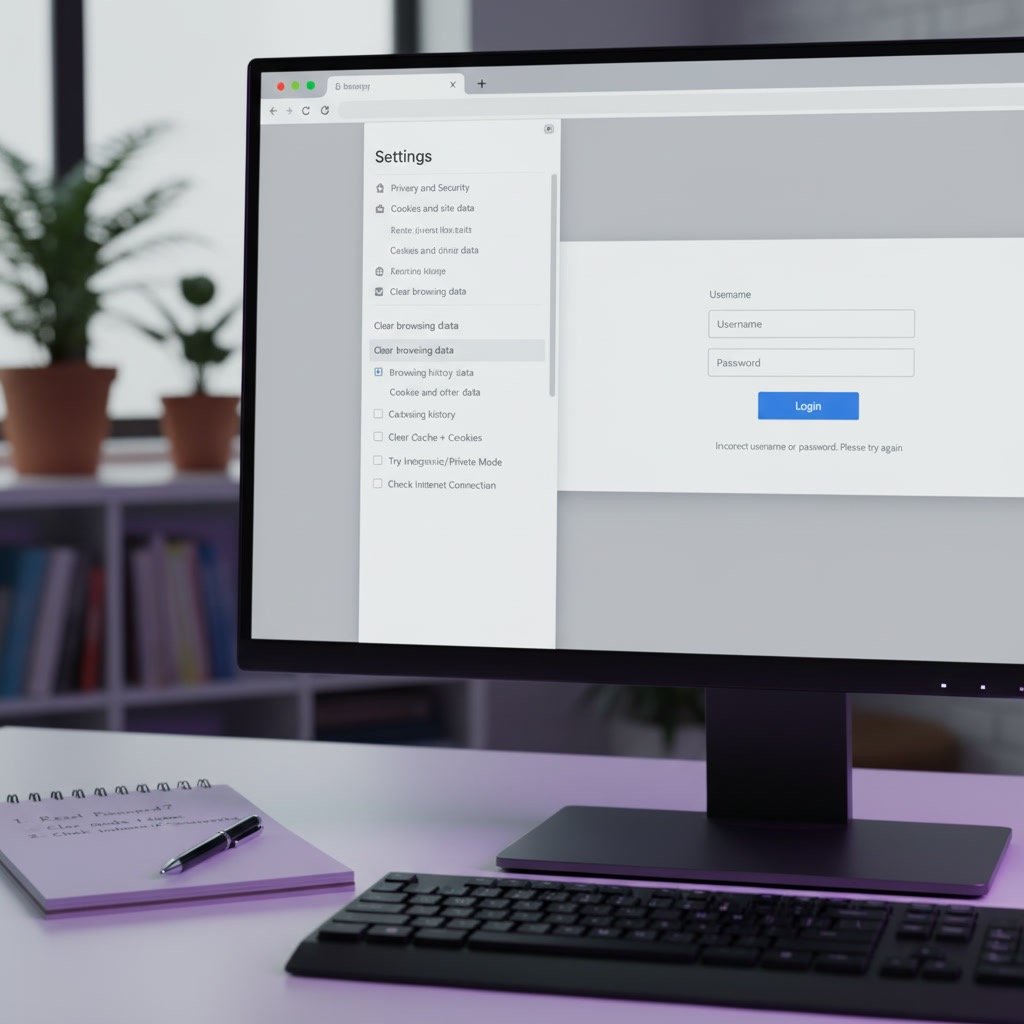
Use Cases: Where Login Problems Usually Show Up
Different users run into login issues for different reasons. Here are a few common situations.
Marketing teams switching devices
A team member signs in from a new laptop and discovers the saved password is outdated or the verification method is tied to an old phone.
Agencies managing client accounts
An agency user may confuse one ActiveCampaign login with another, especially when handling several client portals in different browser tabs.
Business owners returning after a long gap
If you have not used the platform in a while, you may forget which email was used, whether two-factor authentication was enabled, or whether your browser saved old credentials.
Users after a browser update
A browser update or a new privacy extension can block cookies, scripts, or redirects that the login process needs.
Teams using password managers
Password managers are useful, but they sometimes autofill the wrong credentials if similar accounts are stored. That can create repeated failed attempts even when the right password exists.
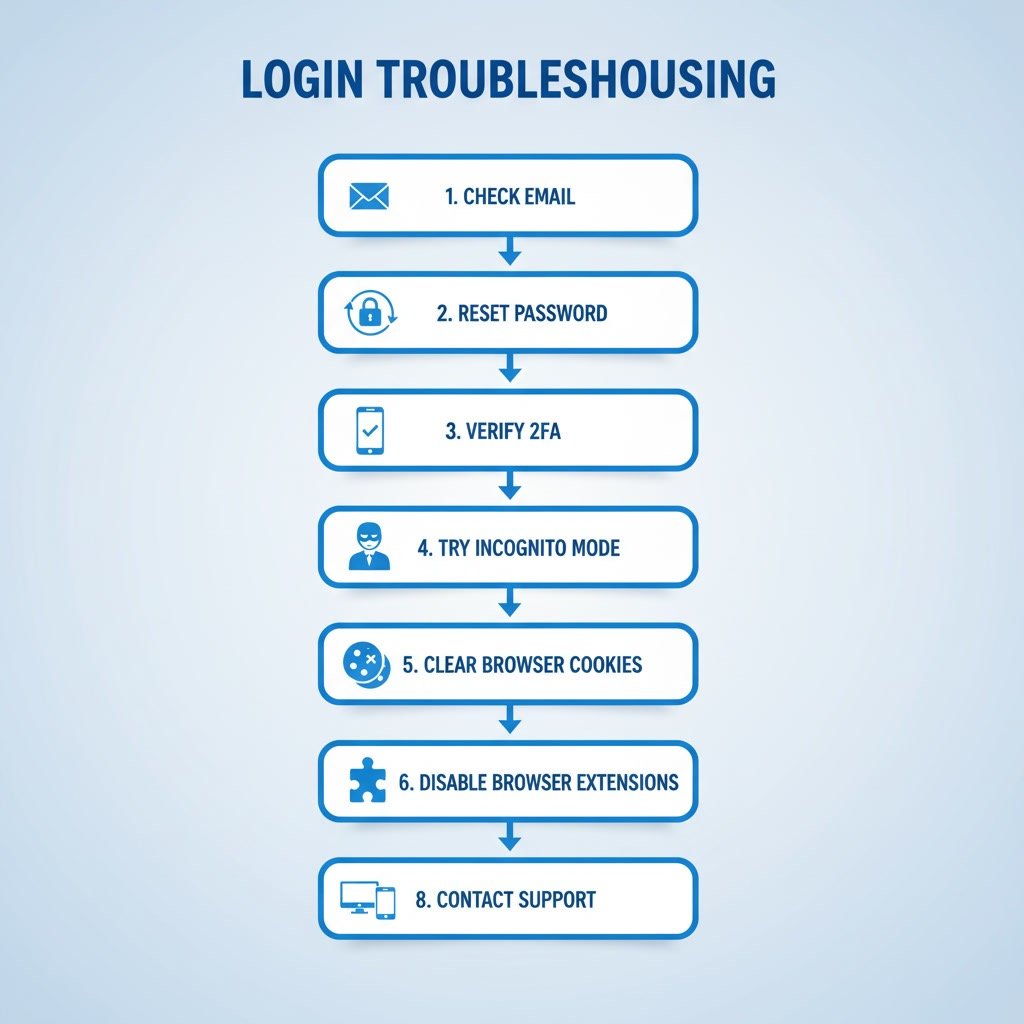
How to Troubleshoot ActiveCampaign Login Not Working
Start with the simplest checks first. This step-by-step process helps isolate the issue without creating more confusion.
1. Confirm you are using the correct email address
This sounds obvious, but it is one of the most common causes. Check whether you are entering the exact email tied to your ActiveCampaign account. If you have multiple business emails, test the one used when the account was created or invited.
2. Reset your password
If you are not fully sure about the password, use the password reset option. A reset is often faster than repeating multiple failed attempts. Make sure the reset email is not landing in spam, promotions, or filtered folders.
3. Check your two-factor authentication method
If the code is not arriving, review your email inbox, mobile device, or authenticator app. If you changed phones recently, your old setup may no longer work. Also check that your device time is synced correctly, since authenticator codes can fail when the clock is off.
4. Open the login page in a private window
Using an incognito or private browser window helps you test whether cookies, cached files, or extensions are interfering. If login works there, the issue is likely local to your main browser setup.
5. Clear browser cache and cookies
If private mode works, clear your browser cache and cookies for ActiveCampaign. Then close the browser fully and reopen it before trying again.
6. Disable browser extensions temporarily
Ad blockers, privacy tools, script blockers, and some security extensions can interfere with login forms and redirects. Temporarily disable them one by one and test again.
7. Try another browser or device
If the issue continues, use a different browser or a different device entirely. This helps you tell whether the problem is tied to one environment or affects your account more broadly.
8. Check your internet connection and firewall rules
On office networks or managed devices, firewall settings, VPNs, or DNS filtering can interfere with the login request. If possible, switch networks briefly, such as testing on mobile data, to compare results.
9. Look for temporary platform issues
If everything appears correct and the page still fails to load or authenticate, there may be a temporary outage or service disruption. Check official status updates if available and wait a few minutes before trying again.
10. Contact ActiveCampaign support with details
If nothing works, support will be more helpful if you provide useful context. Include the exact error message, browser used, device type, whether password reset worked, whether private mode helped, and whether two-factor authentication is involved.
Best Practices to Prevent Future Login Issues
Once access is restored, a few simple habits can reduce the chance of the same problem happening again.
Use a reliable password manager
Store the correct login details in a trusted password manager and label accounts clearly. This is especially useful if you manage multiple brands or clients.
Keep backup access methods updated
If two-factor authentication is enabled, make sure backup codes, recovery options, and verification devices are current. Do not wait until you lose access to update them.
Document account ownership
For teams, keep a secure internal record of which email address owns the account, which admins have access, and how recovery is handled. This avoids delays when staff change roles.
Review browser privacy settings carefully
Privacy tools are helpful, but some settings can disrupt normal sign-in flows. If you use strict tracking prevention, test key business apps after making changes.
Update bookmarks
If you use bookmarks to access your account, confirm they point to the correct and current login page. Old links can create confusion or redirect issues.
Common Mistakes That Make Login Problems Worse
When access fails, people often rush. That can turn a small issue into a larger one.
Repeating the same wrong password too many times
Too many failed attempts can trigger extra security checks or temporary restrictions. If you are unsure, reset the password early instead of guessing repeatedly.
Ignoring the exact error message
Messages such as invalid credentials, expired session, verification failure, or browser security warning each point to different causes. Read them closely before trying random fixes.
Only testing one browser
If you keep retrying in the same browser without testing another one, you may miss a simple local issue caused by cached data or an extension conflict.
Forgetting about team access changes
Sometimes login issues appear after a role update, account ownership change, or removed user access. If you are part of a team account, confirm your permissions still exist.
Assuming the problem is always with the platform
Occasional platform issues happen, but most login problems start on the user side. Working through your local checks first usually gets you to the answer faster.
When You Should Escalate the Issue
Not every login issue needs a long troubleshooting session. In some cases, it makes sense to escalate quickly.
- You no longer have access to the original email address
- Your two-factor authentication device is lost and recovery fails
- You suspect the account was accessed without permission
- The account owner has left the company and no admin access remains
- You see account suspension or security lock messages that you cannot resolve
In these cases, contact support as soon as possible and be ready to verify account ownership.
FAQ
Why does ActiveCampaign keep saying my password is wrong?
The most likely reasons are an outdated saved password, an incorrect email address, or autofill selecting the wrong account. Resetting the password is usually the quickest fix.
Why am I stuck in a login loop?
A login loop is often caused by browser cookie problems, extension conflicts, or blocked scripts. Try a private browser window, then clear cookies and test again.
What should I do if I do not receive my verification code?
Check spam or filtered folders if the code is sent by email. If you use an authenticator app, confirm that your device time is correct. If you changed devices recently, your old authentication setup may need to be restored or replaced.
Can a VPN cause login issues?
Yes. A VPN can sometimes interfere with security checks or route traffic in a way that triggers extra verification. Try logging in without it to compare results.
Is the problem my browser or my account?
The fastest way to find out is to test another browser, private mode, or a different device. If login works elsewhere, the problem is likely browser-related rather than account-related.
When should I contact support?
Contact support if password reset does not work, two-factor authentication cannot be completed, your account appears locked, or you suspect an account access issue that requires verification.
Final Verdict
Most ActiveCampaign login issues can be solved with a few careful checks. Start with the basics: confirm the right email, reset the password, review two-factor authentication, and test in a clean browser environment. That simple process resolves a large share of cases.
This guide is best for users who want a focused troubleshooting path without extra noise. If you are locked out, the fastest approach is usually the most practical one: isolate the exact symptom, test methodically, and escalate only when the account or security settings clearly require support.
Recommended Guides
- Activecampaign Contacts Not Syncing
- Activecampaign Campaign Not Sending
- Activecampaign Tracking Not Working
- Activecampaign Ultimate Guide